Playground
Try different models, tones, and cleanup settings. Compare the original and result side by side, then save the settings you like.
 Waffle
Choose how Waffle transcribes and edits your words. All processing runs on your Mac.
The recording panel stays above your work without taking the text cursor. Hover to see the timer and finish or cancel the recording.
Choose Classic or Prismatic appearance, with compact and live-transcript layouts.
Start dictating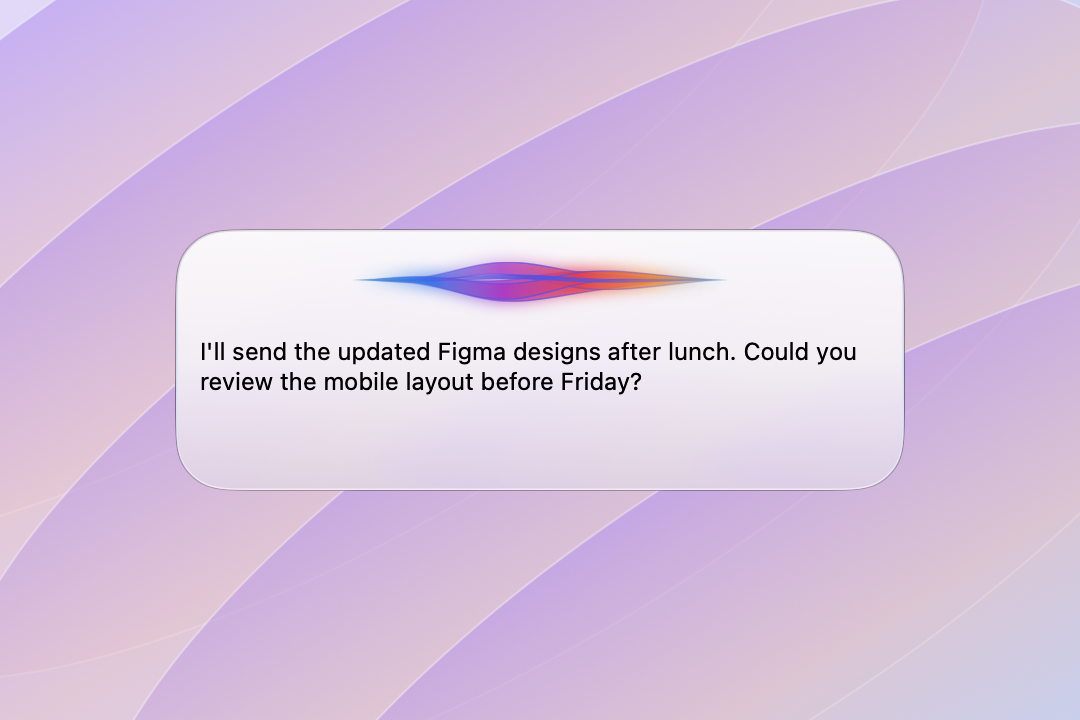
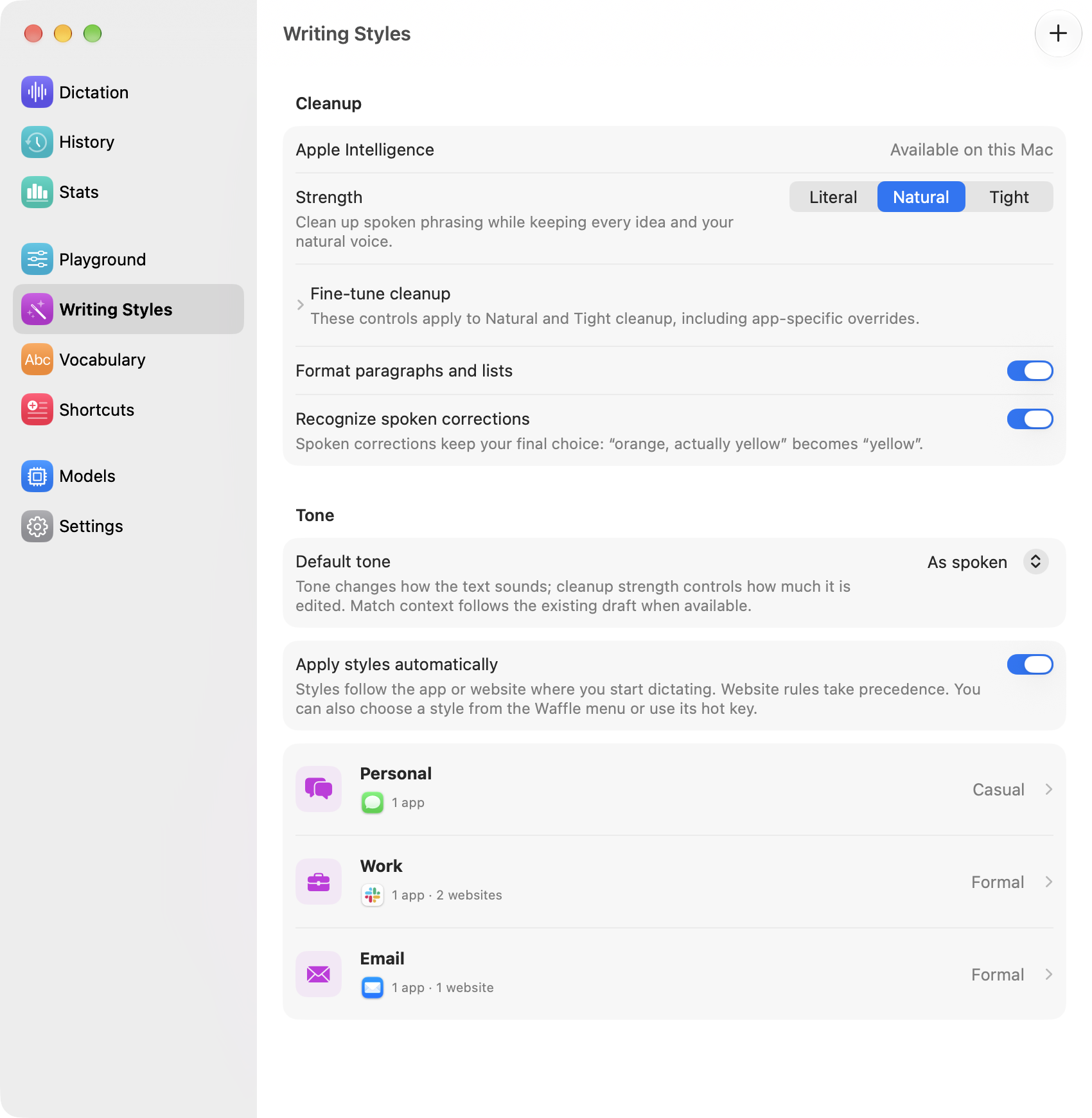
Give each app or website its own writing style. Waffle picks the matching style when you start dictating.
Save names and technical terms with your preferred spelling. Add exact replacements for recurring mistakes.
Set up vocabulary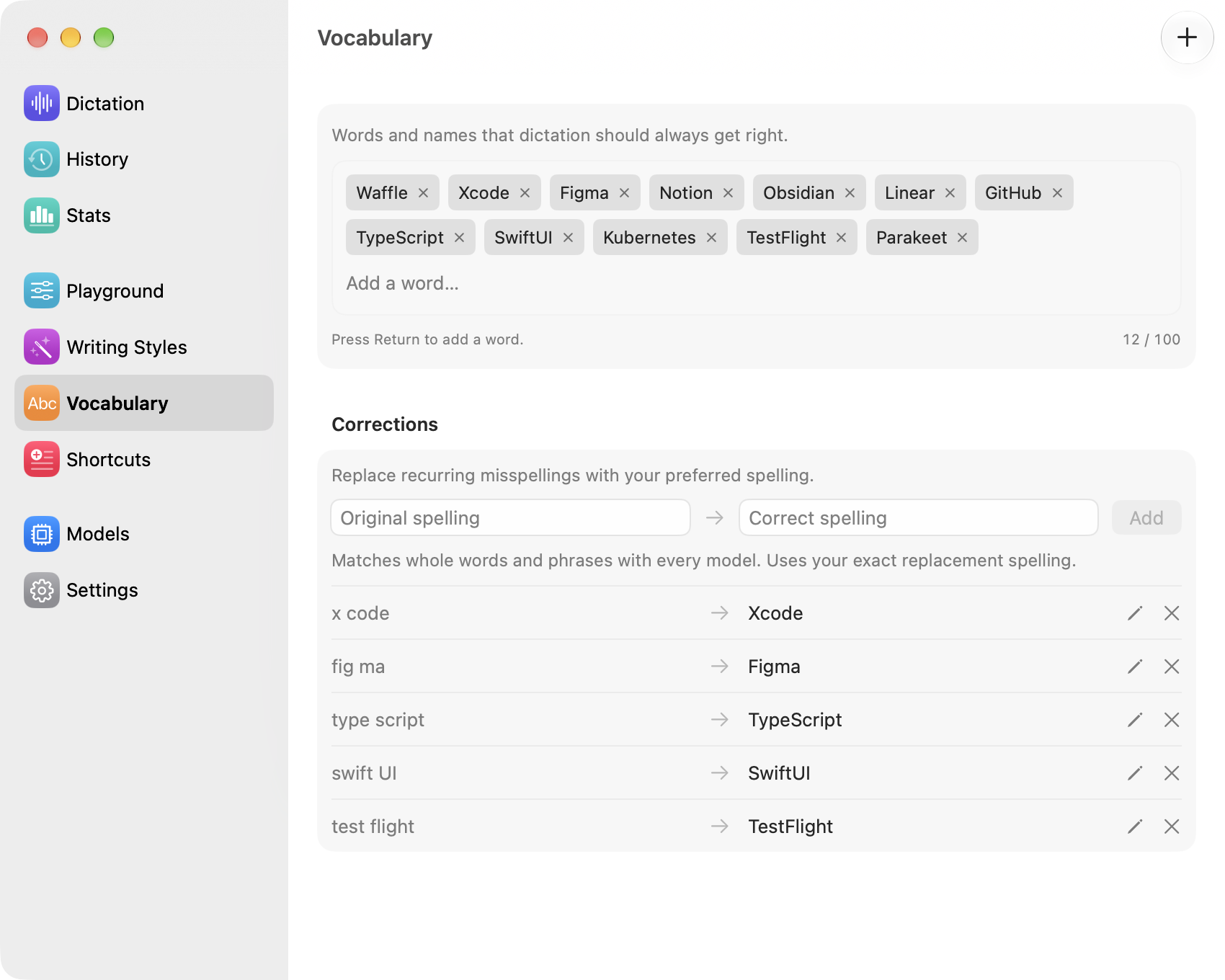
Say “my sign off” and insert your full signature. Turn phrases into email addresses, meeting follow-ups, or multiline snippets.
Set up spoken shortcuts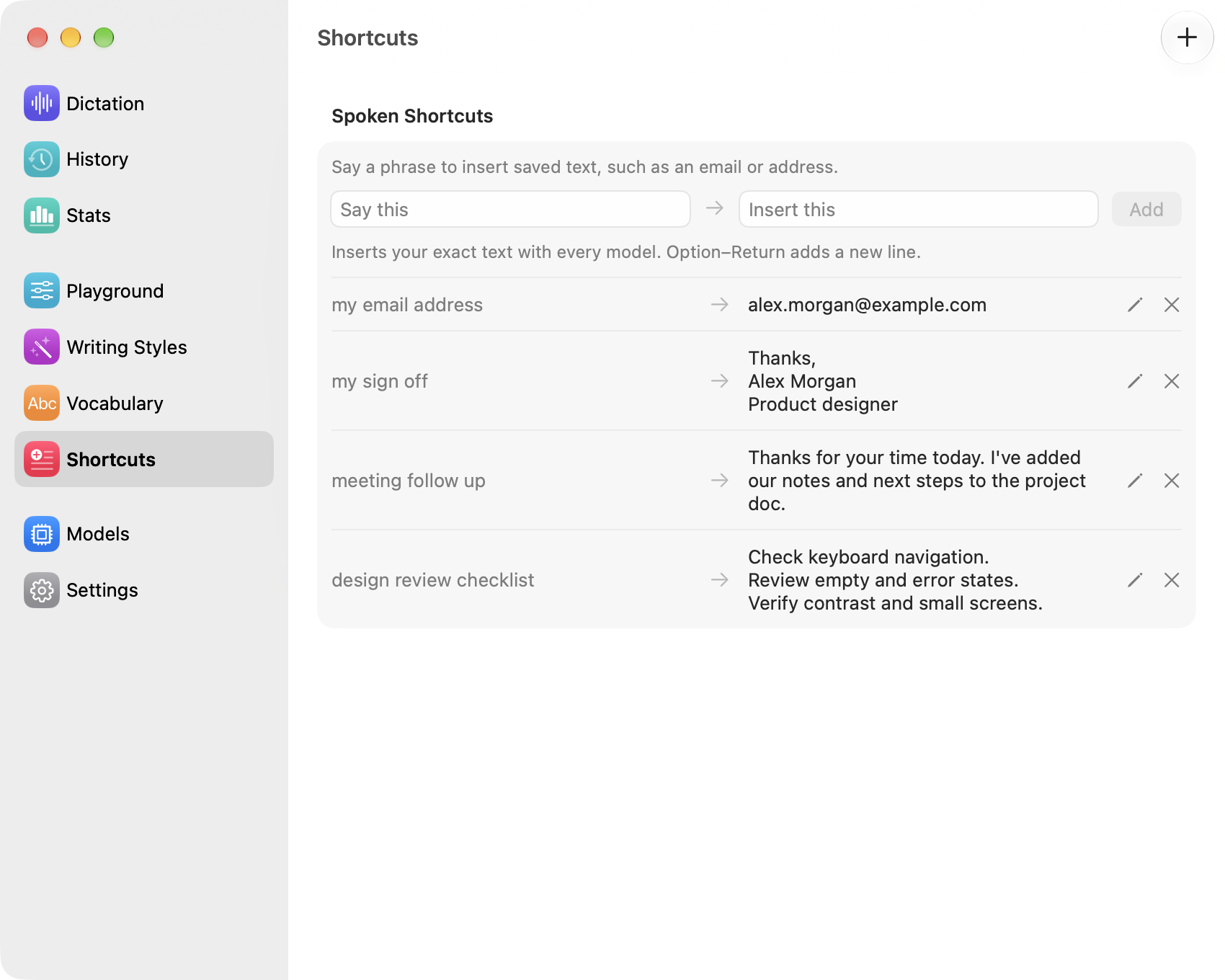
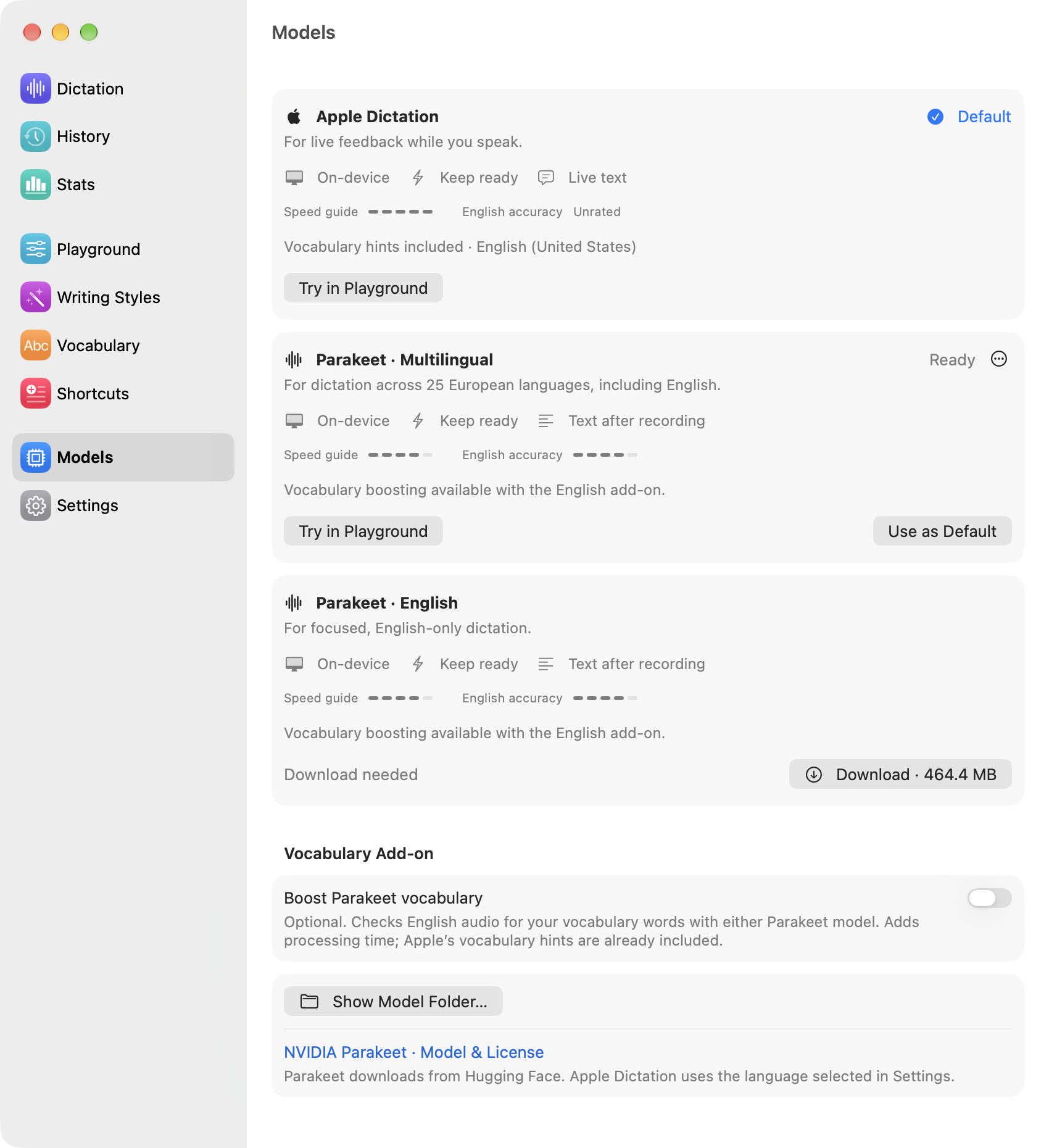
Apple Dictation shows live text as you speak. Parakeet transcribes after you finish recording.
Try different models, tones, and cleanup settings. Compare the original and result side by side, then save the settings you like.
Edit the result and compare it with the original before pasting. You can also skip cleanup with Use Original Now.
Opt in to keep your last 100 transcripts for search, copying, and review. Track word count, speaking time, and pace separately, without saving transcripts.
Sync vocabulary, corrections, styles, and snippets through iCloud. Recordings, transcripts, and statistics stay on your Mac.
Cleanup and tone changes require Apple Intelligence. Vocabulary and shortcuts work with every speech model. Model and language downloads need an internet connection.